How to Lock Artwork Files for Custom Promo Products
Why artwork files fail after the quote looks fine
Most promo-product problems do not start on the machine; they start in the artwork folder. A supplier can quote a pin, keychain, badge, or lanyard correctly and still reject the order later if the file cannot be converted cleanly into production artwork. The usual failure points are low-resolution logos, unsupported gradients, missing font outlines, tiny text, unclear color references, and drawings that do not match the chosen production method. For international buyers, the real cost is not just one round of revisions; it is sample delay, freight rescheduling, and sometimes a full restart after tooling has already been opened.
The fastest way to reduce rejections is to think like a factory before you think like a designer. A production artist needs to know whether the item is soft enamel, hard enamel, die-struck metal, woven textile, printed PVC, UV print, or paper packaging, because each process has different minimum line widths, color limits, tolerance bands, and edge behavior. For a standard custom order, the cleanest submissions are one source file, one reference image, one finished-size target, and one unambiguous note about finish and use case. That combination usually gets through prepress on the first pass.
This matters because artwork decisions affect cost at the factory level. A simple 25 mm soft enamel pin with 4 colors and 1 plating can often move into sampling in 3-5 working days; the same shape with hairline text, hidden layers, and unclear color references may take 7-10 days just to redraw. On bulk production, those delays can push a 7-12 day run into 15-20 days before shipping, especially if the order is waiting on approval. Good artwork is not a design preference; it is a lead-time control.
Start with the right source file, not the right image
The best production file is editable vector art, usually AI, EPS, or PDF with embedded vectors and outlined fonts. A clean vector lets the factory scale the design without losing edge sharpness, and it makes spot-color separation much easier for enamel, screen printing, engraving, and laser marking. If the only file is a JPEG or PNG, the factory may still work from it, but the art must be redrawn first, which raises the risk of interpretation errors and adds 1-2 extra working days in most quote-to-proof cycles.
A common buyer mistake is assuming a large pixel dimension equals usable artwork. A 4000 px image can still be poor if it came from a compressed screenshot or contains soft edges and artifacts. For printed products and packaging, bitmap files should be at least 300 dpi at final size; for small labels, 600 dpi is safer because edge softness is more visible after trimming. Vector is still the safer choice for metal outlines, cut lines, and text, especially when the final product is under 50 mm wide.
If you must work from raster art, send the original camera file or export file, not a chat-app copy. A screenshot or forwarded image often strips metadata and introduces compression blocks that become obvious during separation. The factory also needs to know whether the artwork is final brand master art or only a concept rendering, because production teams make different assumptions about color accuracy, spacing, and symmetry. For mixed sets, the master file should include each SKU as a separate artboard or clearly labeled layer so the factory does not guess which element belongs to which product.
A practical rule: if a logo contains text smaller than 6 pt on screen, or a line that looks thin even when zoomed to 400%, it probably needs cleanup before production. On promo products, “visible on my monitor” is not a production standard. “Can survive plating, trimming, stitching, or registration” is the standard.
Use production-safe size rules and line limits
Artwork rejection often happens because the design is attractive but mechanically impossible at the requested size. A 25 mm soft enamel pin can carry detail that would be impossible on a 20 mm badge with recessed areas and a rim. The same logo may work on a 20 mm coin, fail on a 15 mm keychain, and need simplification on a woven patch. The key is to specify the actual finished size early, not after the supplier has already approved the image concept.
Factories need to check minimum line width, text height, gap width, and corner clearance before sampling. For metal products, thin strokes and tiny negative spaces are the usual failures because they vanish after plating, polishing, or fill. For printed products, the issue shifts toward ink spread, registration tolerance, and edge fray. If the artwork depends on hairline details, it is safer to increase size or reduce complexity than to rely on the operator to “make it work.”
| Item | Practical production spec |
|---|---|
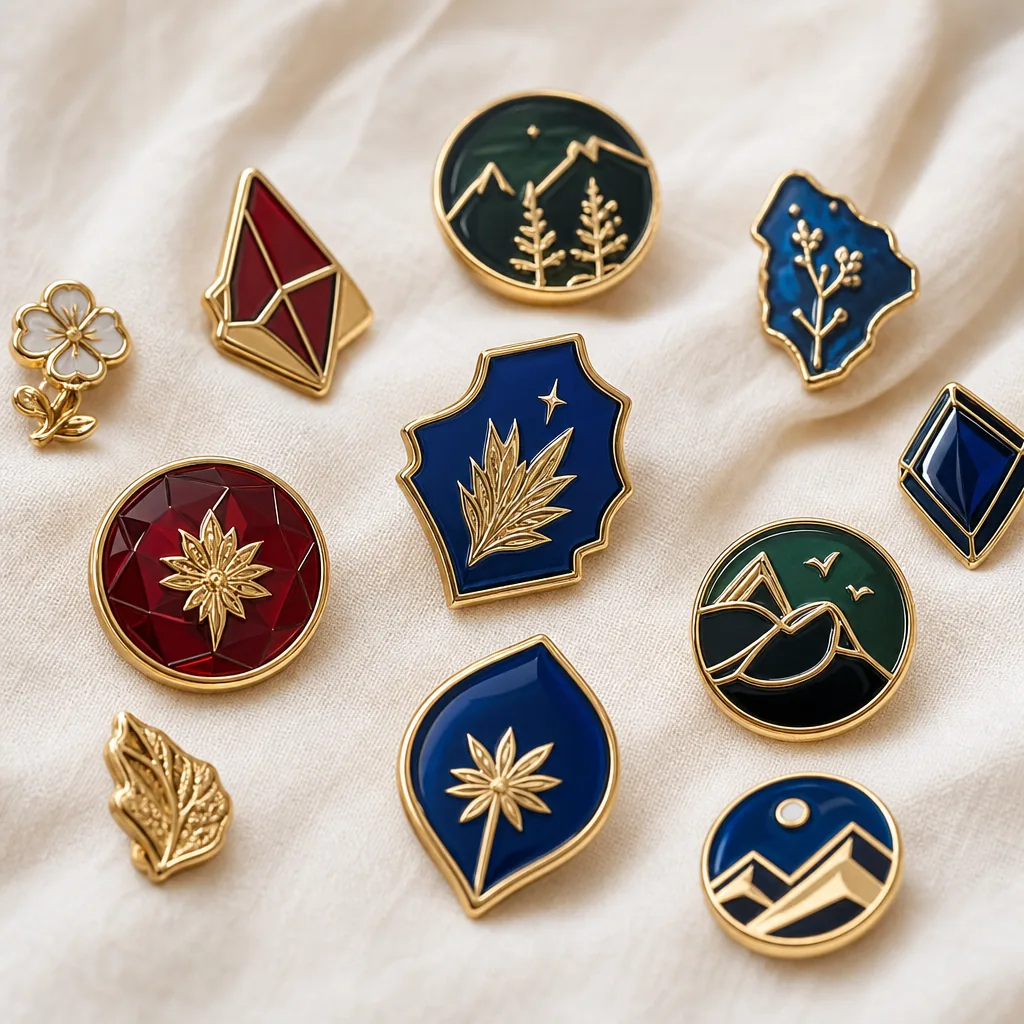
| Soft enamel pin | Minimum line width 0.25-0.30 mm; text height 1.2-1.5 mm; typical size 20-30 mm; color count often 2-7 spot colors |
| Hard enamel pin | Minimum line width 0.30-0.35 mm; text height 1.5 mm+; polished surface needs stronger separation; typical tolerance ±0.20 mm |
| Challenge coin | Raised/recessed detail usually 0.35 mm+; fine lettering should be 1.5 mm+; diameter commonly 38-45 mm; relief depth often 0.3-0.8 mm |
| Woven patch | Simpler shapes only; very small text can blur below 4-5 mm cap height; edge thread needs about 1.5-2.0 mm margin |
| Lanyard print | Keep small logos at least 6-8 mm tall for reliable legibility; repeat spacing often 300-500 mm on strap layouts |
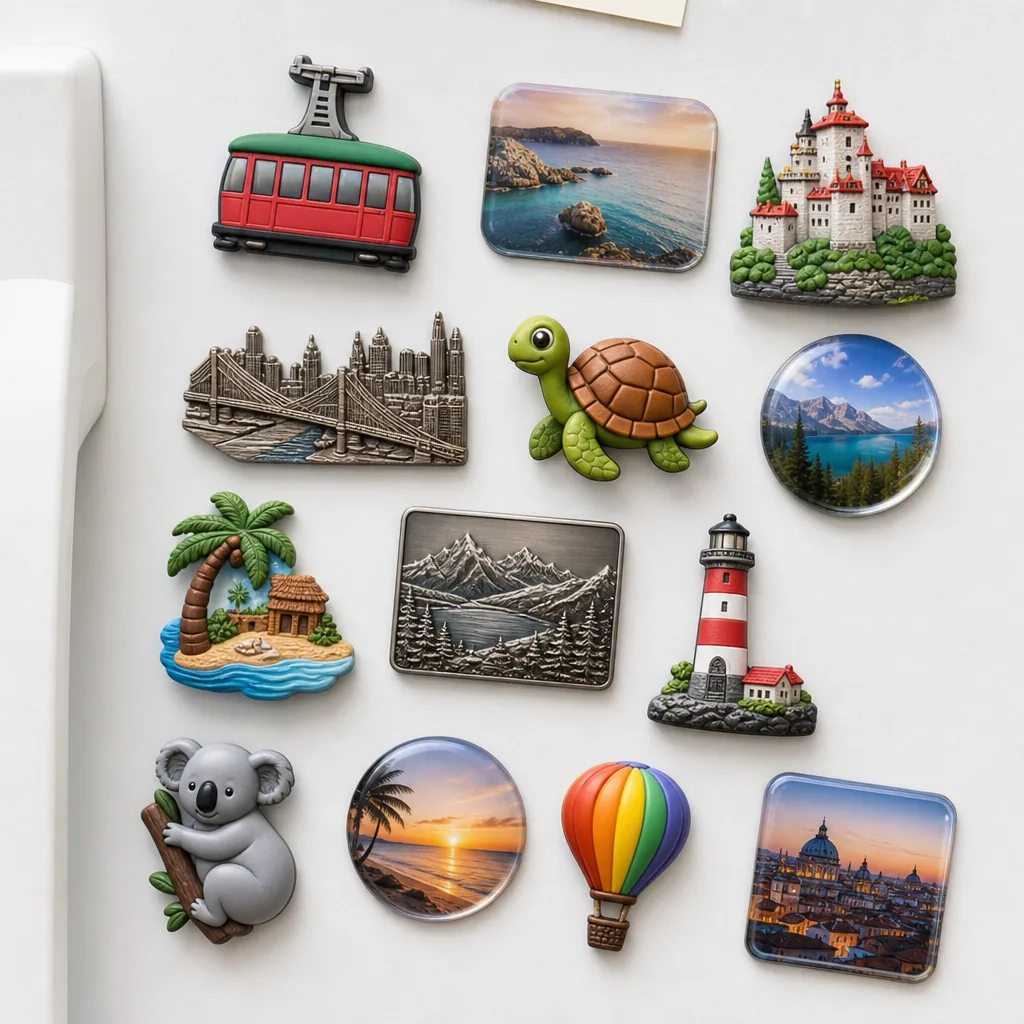
| Fridge magnet | Printed art can go smaller, but cut contours still need practical edge margin of 1.0-1.5 mm and stable corner radius |
These are not universal standards, but they are close to what most factories can hold without increasing scrap risk. If your art sits near the lower limit, the factory may ask for a redraw or recommend a larger size. That is not a refusal; it is usually the cheapest way to avoid a bad sample. For buyers comparing quotes, ask whether the factory’s stated tolerance is measured against artwork, tooling, or finished product, because those are not the same thing.
For typical promo-item runs, good factories will hold finished-size tolerance around ±0.5 mm on small metal accessories, ±1.0 mm on textiles, and die-cut packaging within about ±1.5 mm depending on substrate and process. If a supplier cannot state a tolerance at all, that is a warning sign. Clear tolerance language often matters more than a low unit price.
Separate color intent from color execution
A logo file may look correct on screen while still being ambiguous for production. Screen color, CMYK print, spot enamel, thread color, PVC compound color, and plating finish all behave differently. If the buyer says “make it match the brand color,” the factory still needs a measurable reference: Pantone Solid Coated, Pantone Uncoated, or a named production swatch agreed in advance. For mixed-material sets, the same brand red may need separate technical notes for metal enamel, printed paper card, and woven label.
Do not rely on RGB values for production unless the item is digital only. A screen RGB value is not a stable manufacturing instruction, because it changes with display calibration and material reflectance. For enamel items, the factory can usually mix a close Pantone match, but exact reproduction depends on the fill type, plating, gloss level, and batch tolerance. For print, a Delta E of about 2.0-4.0 is often acceptable in promo production; if your brand governance is strict, define the acceptance threshold in writing before sampling starts.
Color control should also include substrate notes. Dark metal needs different ink behavior than white paper. A black lanyard needs a white underbase if the logo is meant to stay saturated. Clear PVC may need a border or backing layer because translucent material reduces apparent contrast. If two colors touch, the artwork must show whether they are butt-joined, separated by a metal wall, or overlapping in print. That single note prevents a lot of avoidable back-and-forth.
If you are approving a packaging insert or backing card, ask for a print proof with trim, safe area, and bleed marked separately. Most promo packaging is printed with 2-3 mm bleed and a 1.5-2 mm safe margin. For folded cards, the spine and fold line should be called out explicitly so the logo does not land in the crease.
Build a proof workflow the factory can actually follow
The proof stage is where production art becomes a controlled document. The buyer should receive at least one cleaned-up proof showing size, color callouts, finish notes, and attachment hardware. For more complex orders, especially mixed sets or custom packaging, the proof should also show front, back, and side views where relevant. A vague proof that only repeats the logo is not enough when a factory needs to manufacture a contour, a mold, or a cut line.
The most useful proof is one that answers the questions a production operator would ask at the machine. What is the exact finished size in millimeters? Which parts are enamel, print, engraving, or embossing? What is the plating finish and thickness target? Where is the backing, clip, loop, or magnet placed? If the proof does not answer those questions, the production team will either delay the job or make assumptions you may not like.
A good proof package also documents what changed from the source file. If the factory outlines text, adjusts line weight, removes a background gradient, or swaps a Pantone reference for a closer stock mix, those edits should be visible. Buyers should approve or reject those changes explicitly rather than treating them as minor details. Small artwork edits become expensive when they are discovered after tooling or print plates are already underway.
- Confirm final size in millimeters, not only inches or pixels.
- Approve all text after it has been outlined or flattened.
- Check every Pantone or color note against the intended process.
- Verify attachment position, orientation, and quantity.
- Ask for a separate packaging proof if the item ships with a backing card or insert.
- Mark any element that must not be auto-corrected by the factory.
- Request one revision round in writing before sampling if the quote includes redraw support.
Know when artwork should be simplified, not defended
Some buyers try to preserve every curve of the original logo even when the chosen product cannot support it. That is a mistake when the item is small, multi-color, or mechanically constrained. A simplified version often looks more premium because it prints and casts more cleanly, with sharper contrast and less visual clutter. In practice, the right reduction can improve durability, because weak details are usually the first to chip, clog, or distort during production.
This is especially true for promotional sets where the same brand mark must appear on pins, lanyards, patches, magnets, and keychains. A single master logo may need separate production variants: one for metal outline work, one for thread, one for print, and one for packaging. Buyers who insist on one unmodified file for every item often end up with compromises that make all products look inconsistent anyway.
There are cases where simplification is not appropriate. If the item is a premium corporate gift, an anniversary coin, or a brand-sensitive retail piece, the factory should preserve the intended geometry as much as the process allows. In those cases, the right answer may be to increase the product size, switch to a more capable process, or split the artwork into a detail-rich centerpiece and a simplified border. The tradeoff should be deliberate, not accidental.
A useful production mindset is to separate “identity” from “decoration.” Identity elements are the name, emblem, and primary shape that must stay exact. Decorative elements are gradients, tiny highlights, background textures, and micro-lines that can be removed if they threaten yield. When buyers define that boundary early, the factory can protect the brand while still making the item manufacturable.
Compare the most common file issues by product type
The same artwork defect does not create the same problem on every product. A missing font outline is a serious issue for pins and coins, while an over-complex bitmap may be more damaging on woven patches or printed lanyards. Knowing the likely failure mode helps buyers prioritize revisions instead of chasing every comment equally. It also makes supplier communication faster, because the factory can focus on the relevant constraints.
| Product | Common artwork risk | Best prevention | Typical MOQ / lead time / FOB |
|---|---|---|---|
| Custom enamel pins | Tiny text, thin walls, unreadable fill areas | Use vector art and check minimum line widths | MOQ 100-300 pcs; lead time 10-14 days; FOB USD 0.55-1.80/pc |
| Challenge coins | Overcrowded relief and weak micro-detail | Limit text density and define front/back separately | MOQ 100-200 pcs; lead time 12-18 days; FOB USD 1.20-4.80/pc |
| Patches | Pixel art, shading confusion, too many color transitions | Convert to simplified thread-friendly shapes | MOQ 50-100 pcs; lead time 7-12 days; FOB USD 0.30-2.20/pc |
| Lanyards | Text too small for weaving or printing | Keep logos large and repeatable along the strap | MOQ 100-300 pcs; lead time 5-9 days; FOB USD 0.18-0.95/pc |
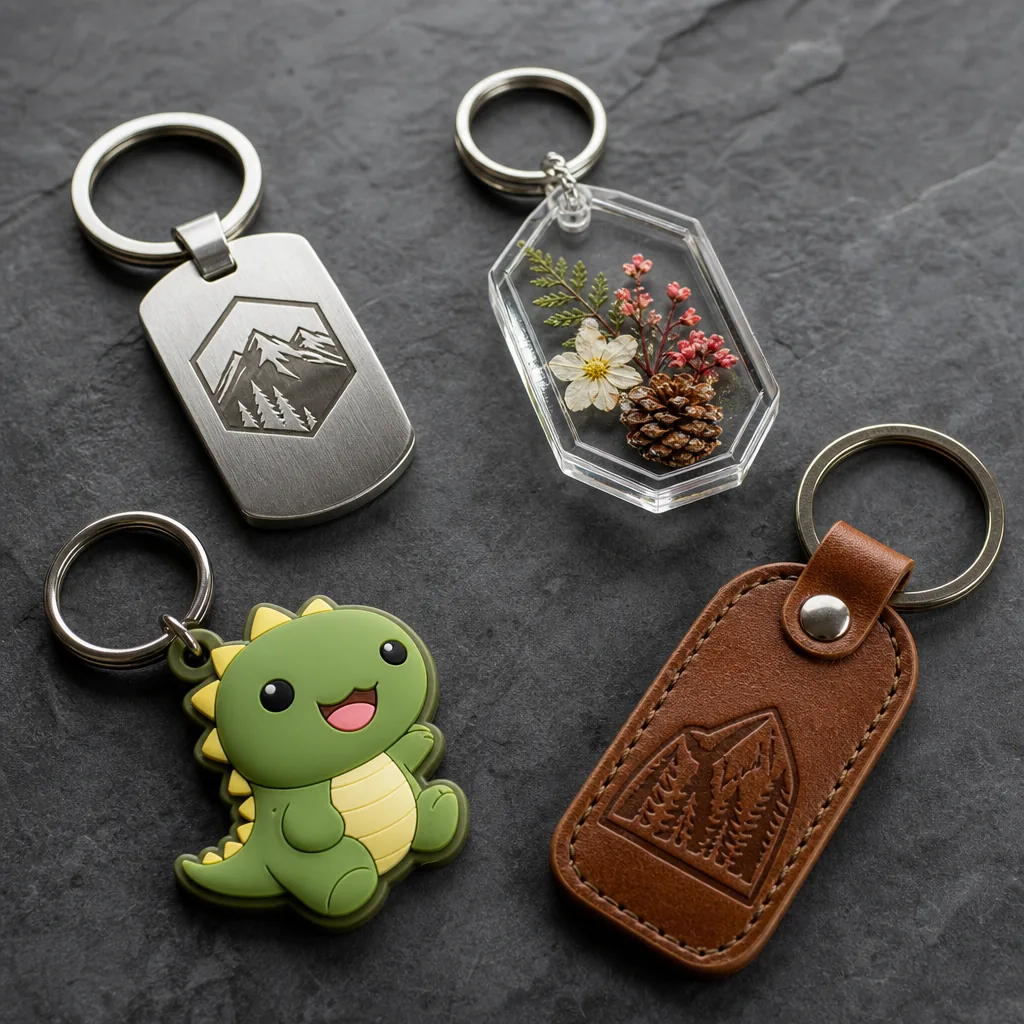
| Keychains | Layer mismatch between metal and print sections | Provide separate callouts for each material | MOQ 100-300 pcs; lead time 8-14 days; FOB USD 0.42-2.60/pc |
| Fridge magnets | Cut contour does not match image boundary | Send a separate dieline or contour layer | MOQ 100-500 pcs; lead time 7-12 days; FOB USD 0.25-1.50/pc |
These ranges vary by size, plating, color count, and packing method, but they are a realistic planning baseline for factory quoting. If a quote sits far outside these bands, check whether the supplier included tooling, sampling, express freight, or packaging. A low FOB price with high artwork ambiguity often becomes the expensive option once revisions begin.
This comparison is not meant to force a single artwork method. It shows that a good file for one item can still be wrong for another. A supplier who asks for multiple versions is usually protecting schedule and quality, not adding unnecessary work.
What to do next before you send the RFQ
The next step is to standardize your artwork package before requesting quotes. Send one editable vector master, one reference image, one size target, one material choice, and one color standard for each SKU. If the order includes multiple products, label each file with the exact item name, size, finish, and revision date so the factory does not cross-apply settings. For new buyers, this discipline often saves one full revision cycle and 3-5 calendar days.
If you already have supplier quotes, compare them by how much artwork support they include, not only by unit price. Some factories quote low but rely on the buyer to solve all redraw, separation, and dieline work later. Others include a cleaner prepress stage and catch problems before sampling, which usually lowers total cost. The better question is not “Which quote is cheapest?” but “Which quote includes a controlled proof process?”
A practical next move is to build a reusable artwork checklist for your team and attach it to every RFQ. Keep it short, specific, and tied to production decisions. Once that checklist is stable, your approval cycle becomes faster, your samples become cleaner, and your reorder risk drops sharply. In promo manufacturing, that consistency is worth more than one-off design polish.
{ul} <li>Send editable vector art with outlined fonts and labeled layers.</li> <li>State finished size in millimeters and confirm the production method.</li> <li>Provide Pantone or named swatch references, not RGB alone.</li> <li>Define minimum line width, text height, and any must-keep details.</li> <li>Ask for a proof that shows trim, safe area, and hardware placement.</li> <li>Approve all factory edits before sampling or mass production.</li> {/ul}
Have a project? Send your artwork and target quantity and we’ll reply with a detailed quotation within 12 working hours.
Ready to get this made?
Send your sketch, target quantity and ship-date. Detailed quotation in 12 hours.