How To Avoid Artwork Rejections In Custom Pin Orders

Why Artwork Rejection Happens
For many custom pin, keychain, patch, and coin orders, the first delay is not production. It is artwork approval. Buyers often send a design that looks fine on screen but fails in factory review because lines are too thin, text is too small, colors are undefined, or the file is not editable. Once a supplier has to redraw the file, the schedule slips and the risk of mistakes rises.
In practice, artwork rejection is usually a quality-control issue disguised as a design issue. The factory is checking whether the item can be manufactured cleanly at the requested size, process, and budget. If the artwork does not fit the process, the supplier will either reject it or quietly make changes that the buyer may not notice until sampling.
The good news is that most rejections are preventable. If you know the minimum usable line weight, text size, color system, and file format, you can reduce back-and-forth and move faster from RFQ to sample approval.
File Formats Suppliers Can Actually Use
The safest artwork files are vector formats such as AI, EPS, and editable PDF. These allow a factory to scale the design without losing edge quality and to separate colors, outlines, and cut lines. A flat JPG or PNG is useful for reference, but it is not enough by itself for production.
For buyers sending files from a marketing team or brand agency, the most common problem is embedded outlines or missing fonts. If a supplier opens the file and sees broken text or rasterized shapes, the design team has to rebuild it manually. That adds time and creates room for interpretation errors.
A practical file package should include the main vector file, a reference image, and notes on size, metal finish, enamel colors, and attachment type. For complex items like challenge coins or multi-layer pins, include a separate callout for both sides, edge treatment, and any textured or sandblasted areas.
- Best input: editable vector file with named layers
- Acceptable backup: high-resolution PNG or JPG for reference only
- Avoid: screenshots, compressed chat images, or files with missing fonts
- For multi-product programs, keep each SKU in its own labeled folder
The Details That Trigger A Factory Rejection
Factories usually reject artwork for one of five reasons: tiny text, weak line structure, color ambiguity, unclear cut lines, or unrealistic detail for the production method. A design that works on a poster may fail on a 25 mm pin because the production area is too small to hold the detail cleanly.
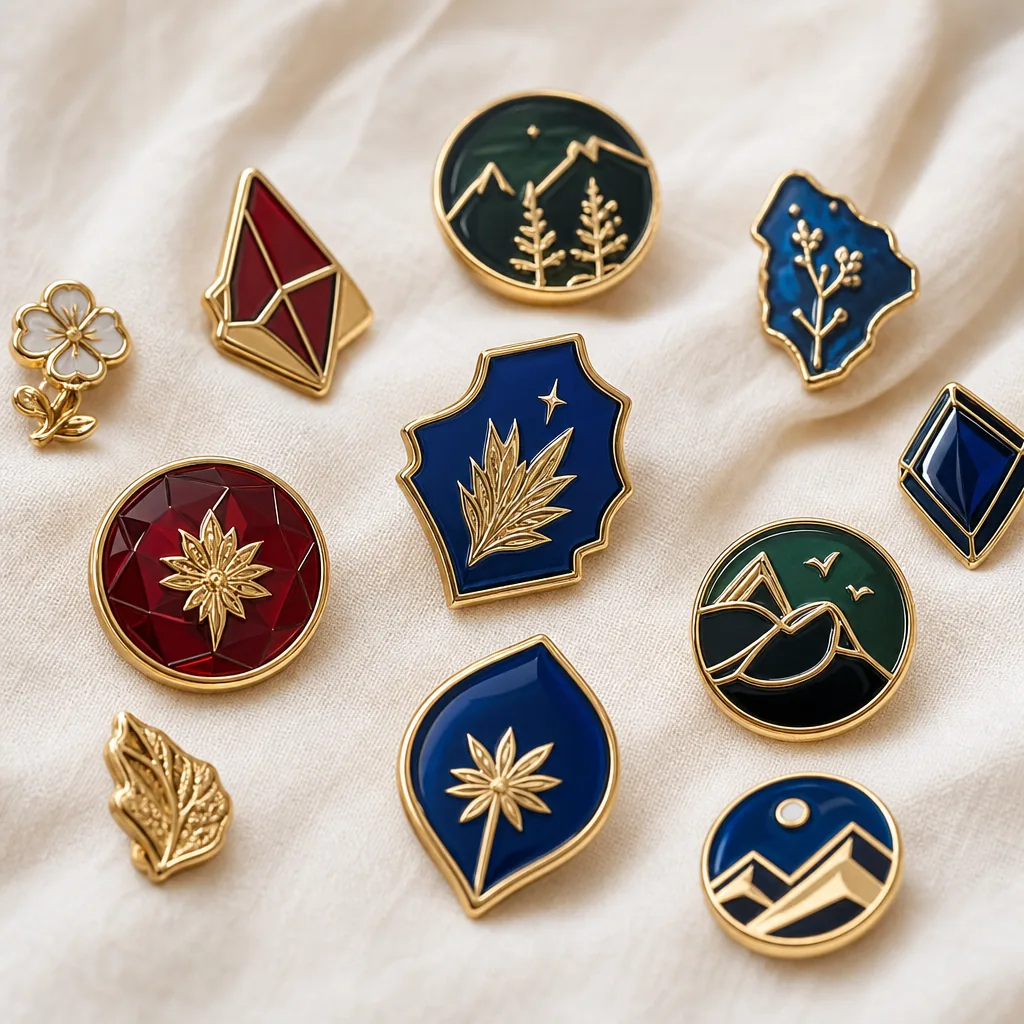
As a rule of thumb, thin recessed lines and enclosed gaps should not be treated like print design. For hard enamel and soft enamel pins, very fine lines can disappear during filling or polishing. For patches and woven items, tiny type can blur. For keychains or coins, overly intricate borders can create tooling problems and raise defect risk.
If your order has multiple colors, you also need clear separation between color zones. Ambiguous overlaps force the factory to guess where each enamel segment ends. That is especially risky when the artwork contains gradients, shadows, or transparent effects, which do not translate well to most metal-based promotional products.
Practical Artwork Specs Buyers Should Follow
Most suppliers can work faster when the buyer follows a simple technical checklist. The exact numbers vary by product, but the production logic is similar: keep the design bold, reduce unnecessary micro-detail, and make the manufacturing intent obvious. If you are ordering at a standard promotional-product scale, design for legibility first and realism second.
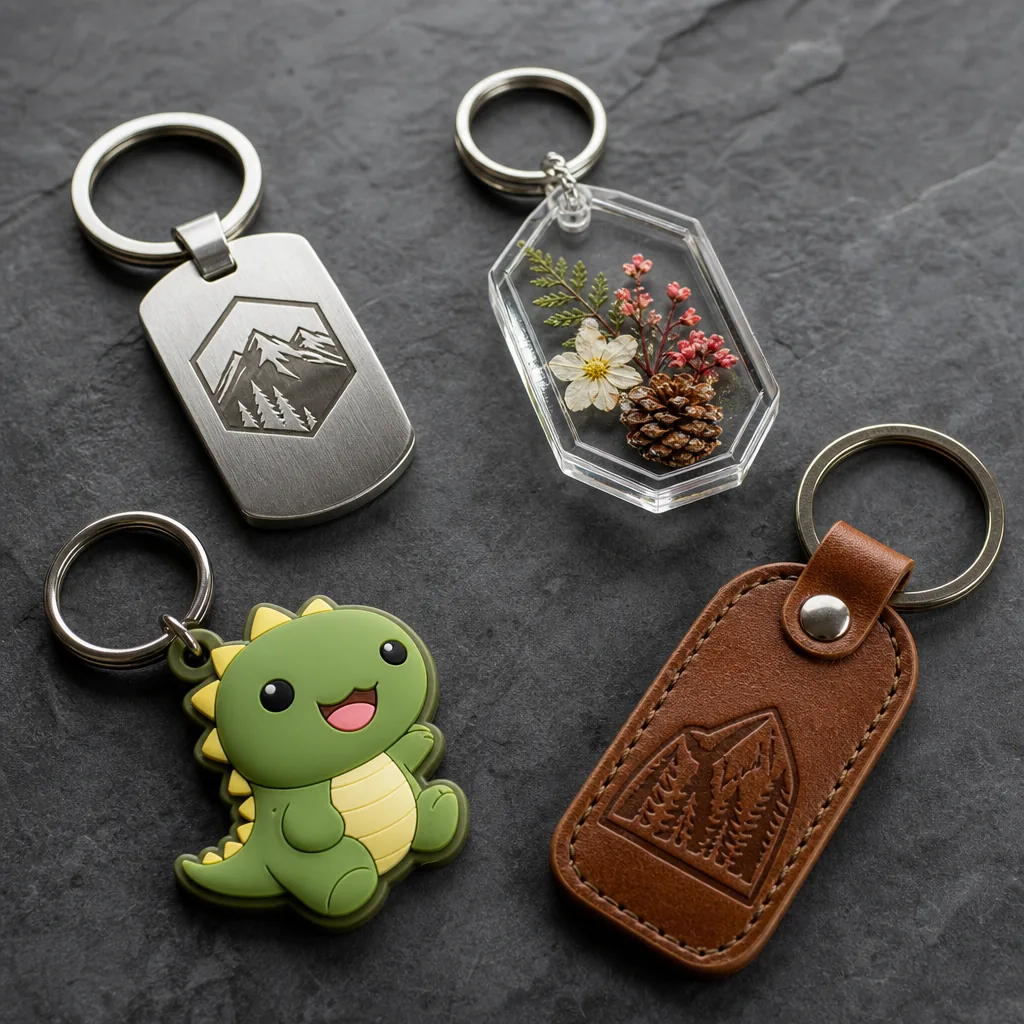
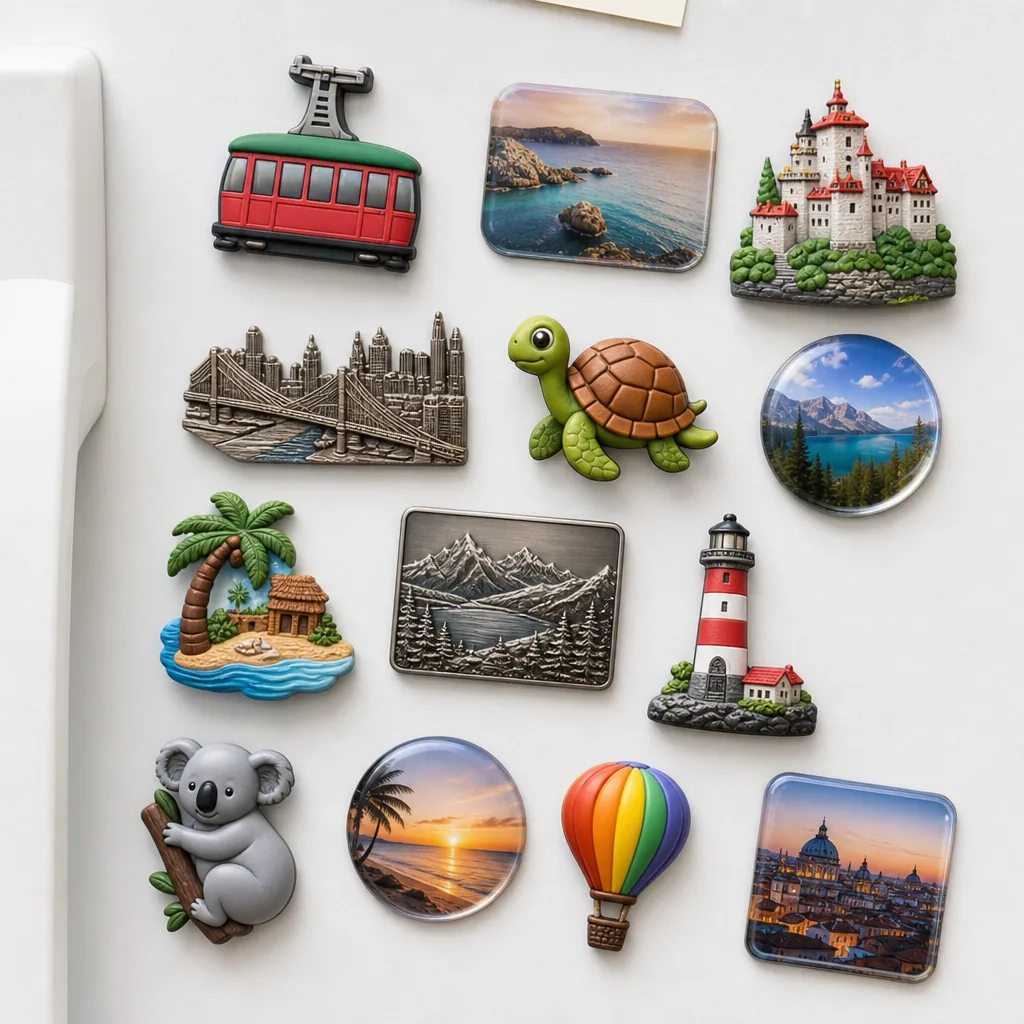
For custom pins, a common safe range is at least 0.2 to 0.3 mm for meaningful metal lines, with text ideally no smaller than 5 to 6 pt at final size if the item is under 40 mm wide. For patches, text often needs to be larger because stitched edges soften detail. For fridge magnets and acrylic keychains, you can keep more printed detail, but the final cut shape still needs a clean outline.
Suppliers also need a clear final size. A design that is 50 mm on a screen but intended to be 32 mm in reality may become unreadable once the factory scales it down. Always specify the finished size in millimeters, not just pixels or inches.
- State final product size in millimeters
- Confirm minimum text size at final scale
- Avoid gradients unless the process supports printing
- Mark all cut lines, holes, and attachment points clearly
Color Matching And Proof Control
Color is another common source of rejection, especially when the buyer expects exact brand matching. In enamel work, suppliers usually work against Pantone references or their internal color library. If the artwork only contains screen colors or HEX codes, the factory may need extra clarification before sampling.
A buyer should also understand that production methods affect color appearance. Enamel appears different after curing and polishing than it does in a digital proof. Printed products can vary based on substrate, coating, and light reflection. A responsible supplier will flag any color that is likely to shift, but the buyer should still approve a physical sample when color precision matters.
To control proofing, insist on three things: a dimensioned artwork proof, a color callout with named references, and a clear revision limit. Without those, approvals can drift into endless minor changes, especially when several internal stakeholders review the file one by one.
How To Prevent Rework Before Sampling
The cheapest time to fix artwork is before tooling starts. Once a factory has cut a mold or prepared print plates, even small changes can cost extra and push the lead time back by days or weeks. That is why buyers should review the artwork like a production document, not a creative concept.
A strong internal approval process usually includes one procurement owner, one brand owner, and one technical reviewer. The procurement owner checks cost and schedule, the brand owner checks colors and logo use, and the technical reviewer checks whether the design can physically be made at the requested size. One person cannot reliably catch all three.
If the order is for a campaign, event, or retail program with a fixed deadline, build in a sample buffer of at least 7 to 14 days before the final ship date. That gives you room for one correction round without paying for air freight or accepting a rushed compromise.
Supplier Questions That Expose Weak Review Process
Some suppliers approve everything too quickly because they want the order. That is risky. A factory that never questions detail levels, line thickness, or color limits may be setting you up for sample problems later. Good suppliers explain why they changed something and ask for confirmation before proceeding.
Use direct questions to test the review process. Ask whether they will redraw the file, whether they require vector art, what minimum text size they recommend, and whether they will flag problems before tooling. If they cannot answer clearly, the approval process may be informal and inconsistent.
- Will you mark all changes on a revised proof?
- What file format do you need for production?
- Which details will you simplify if the design is too small?
- Do you confirm size, color, and attachment before sampling?
A Simple Buyer Checklist Before Approval
Before you sign off, confirm that the artwork matches the product type, the finish, and the intended size. Check that the file is editable, the brand colors are named, and the cut line is visible. If the supplier has redrawn anything, compare the revision carefully against the original brief.
For international buyers, the most reliable rule is to approve only what you can measure. If a proof does not show dimensions, line treatment, and color references, it is not ready. A few extra minutes of checking can prevent a week of rework and preserve the production window.
For repeat orders, save the final approved file as the master reference. That reduces future ambiguity and gives the factory a stable baseline for reorders, variant colors, and packaging updates.
Have a project? Send your artwork and target quantity and we’ll reply with a detailed quotation within 12 working hours.
Ready to get this made?
Send your sketch, target quantity and ship-date. Detailed quotation in 12 hours.